Dynamic variables
What are dynamic variables?
Unlike static variables dynamic variables change. The dynamic variable will run a script or cli command and use the result as value. This can be used to change behaviour within MistServer according to your own rules. For example only start a push out only if another specific stream is also available.
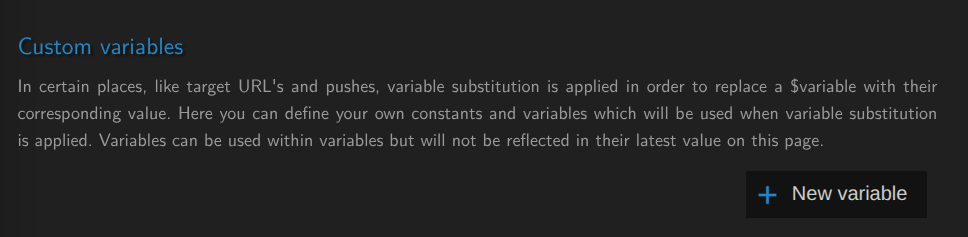
You can create a dynamic variable by first creating your own custom variable:
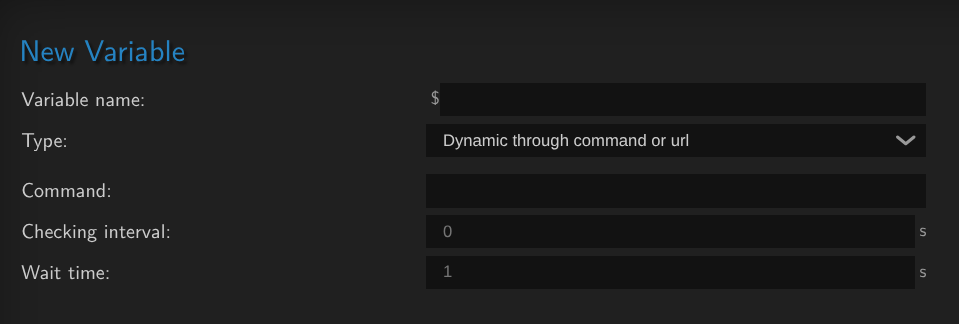
As these can change every time they are run they are given an checking interval and wait time.
Checking interval: The time in seconds before the command should be run againWait time: The amount of time in seconds the command is allowed to run for.
This allow some very flexible scripting within MistServer and set up a ton of customization. Though how it exactly helps is probably best left for the examples.
Examples
Stream push using dynamic variables
The difficult part usually is making up the condition as almost anything is an option. You could read out a value from any other application or even MistServer itself, compare it with another value and start a push. Most of this can be handled through the trigger system as well, and probably more efficient. However using a dynamic variable can be seen as a more lighter method of setting things up.
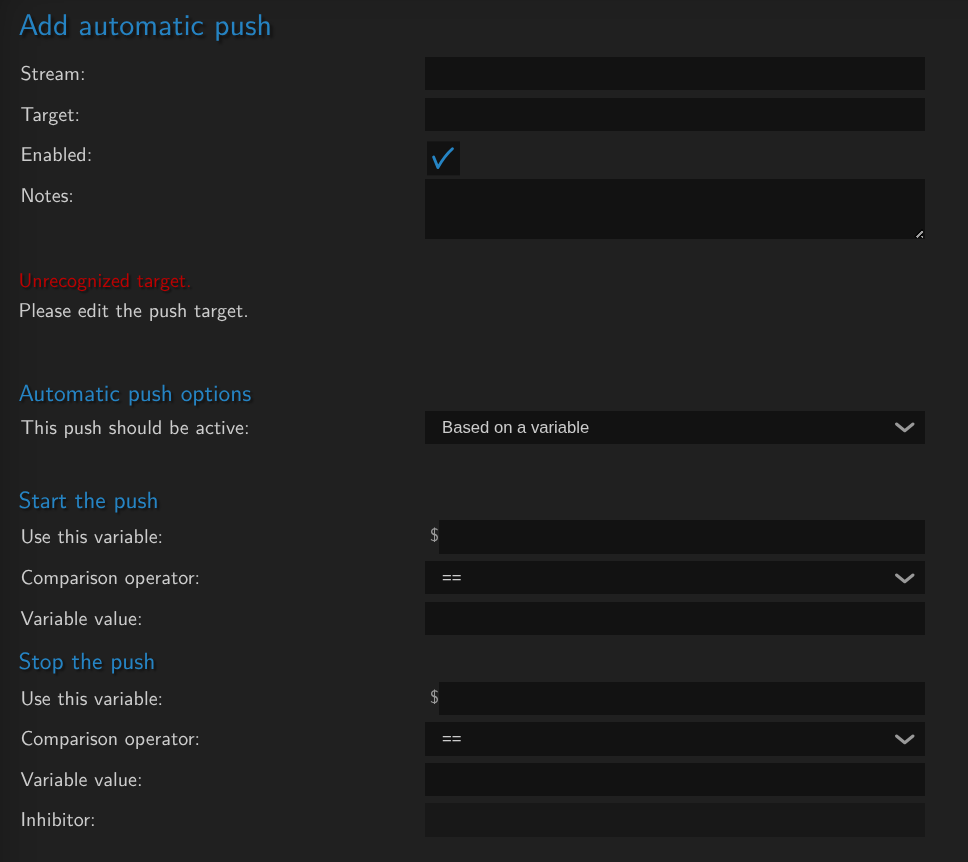
When setting up an automatic push you can choose to use a variable for pushing. Using the comparison operator you can set the check from a simple boolean to a full numerical or lexical range of >,>=,<,<= comparisons.
This allows checks such as:
- Checking whether someone has a specific membership status, and if so start the push. Then when the membership status is revoked the push would automatically stop.
- Monitor a specific viewer count and if a specific target is met start a push out.
- Start/stop streams depending on the current time of day.
Inserting dynamic names into fields
Dynamic variables can be reran at specific moments to change the value of the dynamic variable. This then can be used within most name or path fields that MistServer uses. This allows you to create automation that is currently not available within MistServer.
As an easy to understand example, what if you want to record streams to paths or file names using the weekday name such as "Monday" and "Tuesday". Currently you would have to change these through scripting and API calls. You can however leverage existing applications such as date to return a variable to use.
When you run date +%A you get the current weekday name. You can create a dynamic variable that runs this every minute and then in turn use this new variable within your paths or stream name creation.

Using the example above, whenever $weekday would be used within MistServer it would autommatically be filled in by the current day of the week.