Static variables
What are static variables?
Static variables are variables you can create within MistServer to create shortcuts when variables can be used. This sees most use in pushing and recording, however it can also be used at stream inputs.
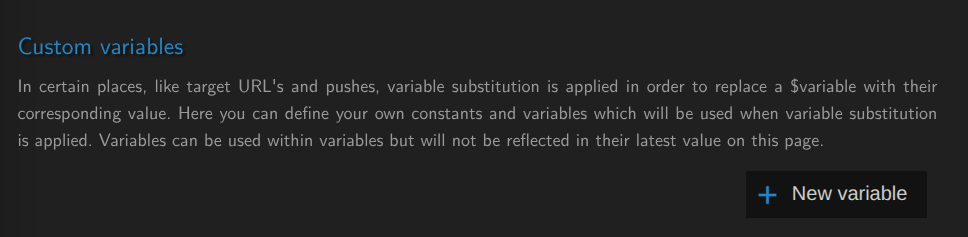
You can create your own variables using the New variable button within the General tab of MistServer.
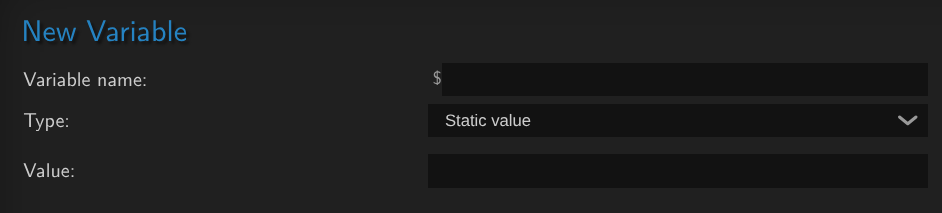
A static variable is the simplest one and can be seen as a simple text replacement and has a 63 character limit.
These static variables are saved within the configurations of your MistServer, so if you wish to transport them over to other MistServers we recommend copying over your configuration file.
Examples
Using variables to autofill account, password and address
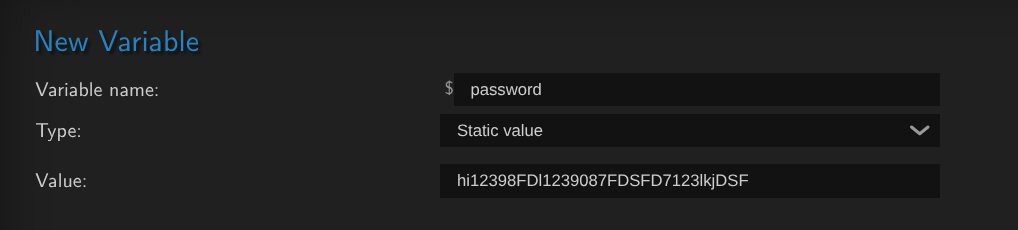
Do this for $account, $password and $server to automatically fill in the account, password and ip address (if there's no dns available) to set up a stream.
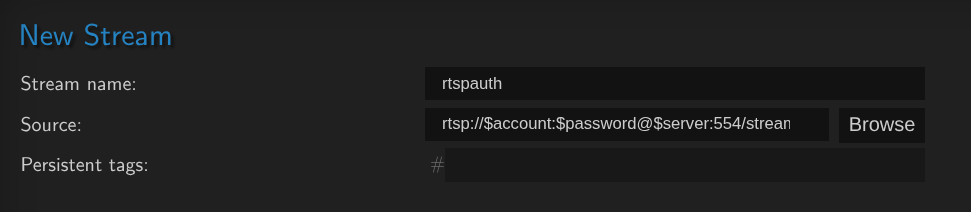
Using variable to auto-fill a recording path
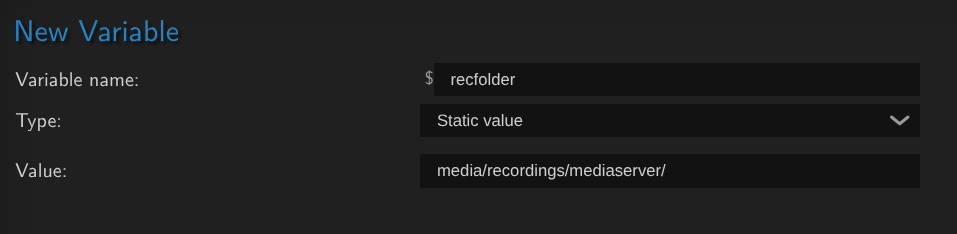
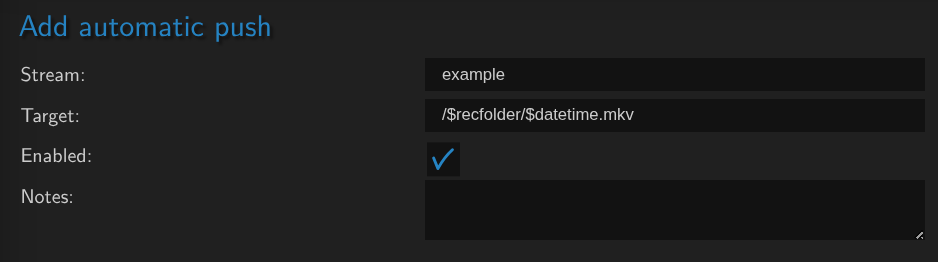
When using a static variable for a folder, do not add the first /, MistServer will use the first / to determine that you want to record to a local direclty and this cannot be parsed if the recording location is $customvariable vs /$customvariable